


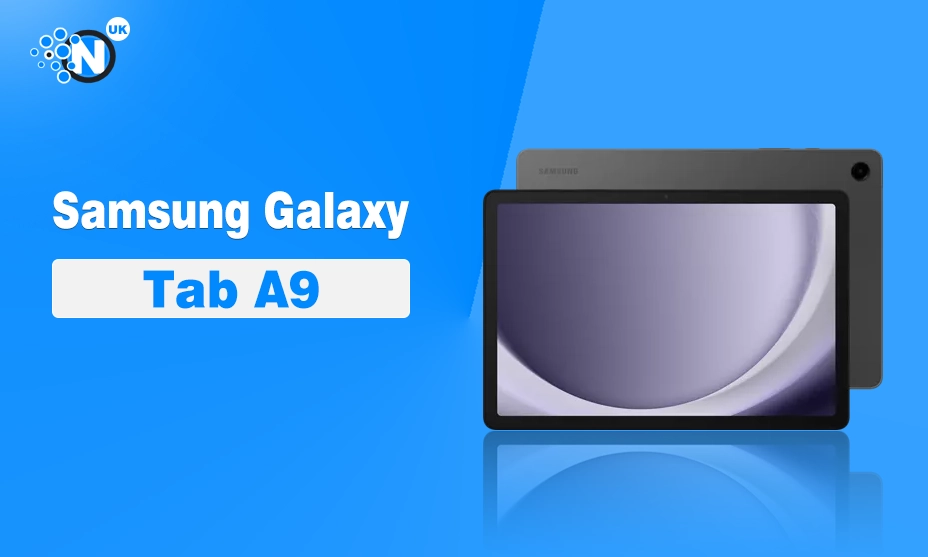
The Samsung Galaxy Tab A9 is a small, affordable Android tablet with a bright 8.7-inch screen, useful Samsung software and better performance than many budget rivals. Its 60Hz display and modest battery life stop it from being an all-round winner, but the tablet remains a sensible buy for reading, streaming, travel and light gaming.
Is Samsung Galaxy Tab A9 Worth Buying?
Yes, the Samsung Galaxy Tab A9 is worth buying at the right price. It makes the most sense when the 64GB Wi-Fi model falls well below its original £169 UK recommended retail price. Samsung launched the tablet in the UK on 27 November 2023, with prices starting at £169.
The A9 is compact, light and easy to carry. Its MediaTek Helio G99 chip handles everyday apps, and the microSD slot adds useful space for films, music and documents. The main compromises are the 800 x 1340, 60Hz display, no S Pen support, no fingerprint scanner and weaker battery results than some rivals.
Buy the Galaxy Tab A9 for portability and dependable everyday use. Look at the Galaxy Tab A9+ or a refurbished iPad mini if you need a larger, sharper or more capable tablet.
Key specifications of Samsung Galaxy Tab A9
| Specification | Samsung Galaxy Tab A9 |
|---|---|
| Display | 8.7-inch TFT LCD, 800 x 1340 pixels, up to 60Hz |
| Processor | MediaTek Helio G99, octa-core, up to 2.2GHz |
| Memory | 4GB or 8GB RAM, depending on model |
| Storage | 64GB or 128GB, expandable by microSD up to 1TB |
| Cameras | 8MP rear, 2MP front |
| Battery | 5,100mAh |
| Connectivity | Wi-Fi 5, Bluetooth, USB-C, optional 4G LTE |
| Weight | 332g Wi-Fi or 333g LTE |
| Software at launch | Android 13 with Samsung One UI |
| UK launch price | From £169 |
The specifications come from Samsung’s UK announcement and product information. Memory, storage and network options can vary by market.
Design and portability
The Galaxy Tab A9 follows Samsung’s familiar tablet design. Its metal-style body feels more considered than the price suggests, with a smooth rear panel and a compact shape that fits into a small bag. The tablet measures 211 x 124.7 x 8mm and weighs 332g in Wi-Fi form. The LTE version weighs 333g.
Low weight is one of the A9’s strongest features. It is comfortable for reading, recipes and news, and its narrow portrait shape suits books better than a large 10-inch tablet.
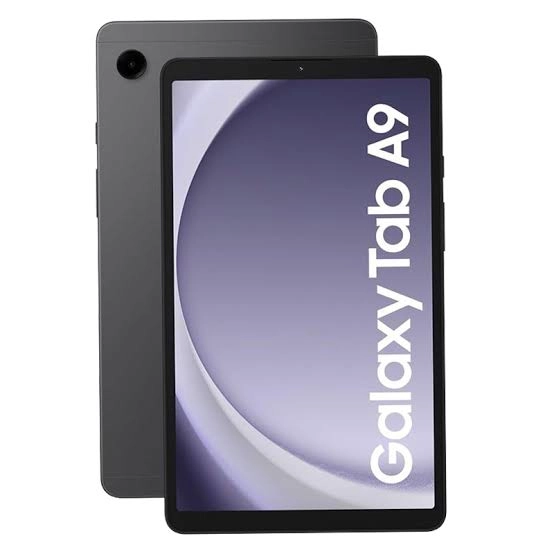
The build is below Samsung’s premium Tab S range. There is no water resistance or fingerprint reader, so users rely on a PIN, password or less-secure face unlock. Samsung includes USB-C, a 3.5mm headphone socket and a dedicated microSD slot. USB 2.0 limits transfers and the port cannot drive an external monitor.
Display quality
The 8.7-inch TFT LCD is bright enough for indoor streaming, web browsing and reading. Colours look pleasant, and the fully laminated panel helps content appear closer to the glass than on some cheaper tablets. An independent review found the A9 brighter and stronger in contrast than the Lenovo Tab M9 and Samsung’s older Galaxy Tab A7 Lite.
The screen’s biggest weakness is its resolution. At 800 x 1340 pixels, it is fine for video and casual use, yet small text looks less crisp than on a premium compact tablet. Scrolling is usable at 60Hz, but it lacks the fluid feel of a 90Hz or 120Hz panel. Samsung reserves 90Hz for the larger Galaxy Tab A9+.
The aspect ratio works well for portrait reading. Films can show visible black bars, and the small screen is less immersive than an 11-inch tablet. That trade-off is part of the A9’s purpose. This is a portable tablet for personal viewing, not a living-room cinema replacement.
Performance and gaming
Samsung equips the Galaxy Tab A9 with MediaTek’s Helio G99 processor. Chrome, YouTube, Gmail, Kindle, Samsung Notes and Microsoft Office run comfortably in normal use. The 8GB version should handle app switching better than the 4GB model.
Independent benchmarks placed the A9 ahead of several budget 8-inch tablets, including the Lenovo Tab M8 Gen 4 and realme Pad Mini. Roblox and lighter games run well, PUBG Mobile is playable, and testing found Genshin Impact workable at high settings. Demanding titles may need lower settings, and Fortnite was not supported on the tested device.
The 4GB model is the one to avoid if the price difference is small. Four gigabytes can manage basic tablet use, yet the 8GB version should age more gracefully. The 128GB model is a better long-term choice for people who download films, games or offline maps. A microSD card can hold media, but Samsung says external memory cannot be used for applications.
Software and useful features
The Galaxy Tab A9 launched with Android 13 and One UI 5.1. Samsung’s interface adds familiar tools such as Samsung Notes, split-screen app views, Quick Share and Samsung Kids. The last feature gives parents controls for child profiles, playtime and content access.
Samsung’s software support is a strong advantage over many low-cost Android rivals. Independent testing reported two major Android upgrades and four years of security updates, giving the A9 a longer useful life than many inexpensive competitors.
The A9 lacks Samsung DeX and supports two apps at once. That is enough for a web page beside a note, yet the small screen limits serious multitasking. Quick Share and Samsung account synchronisation are useful for people with other Galaxy devices.
Cameras, speakers and battery life
The Galaxy Tab A9 has an 8MP rear camera and a 2MP front camera. The rear sensor can scan documents or take reference photos. The front camera is fine for basic video calls in good light.
Dual speakers with Dolby Atmos produce clear sound for podcasts, YouTube and occasional films. Larger tablets create a fuller soundstage, so headphones remain better for music.
Samsung rates the battery at 5,100mAh. An independent test using HD YouTube at maximum brightness recorded 6.75 hours, behind the Amazon Fire HD 8 Plus and Lenovo Tab M8 Gen 4 in the same test. Mixed use should last longer, yet the A9 is better for short trips than heavy streaming away from a charger. The 15W adapter is sold separately.
Galaxy Tab A9 versus the competition
- Samsung’s Galaxy Tab A9+ is the clearest alternative. It has an 11-inch 90Hz display, quad speakers and DeX, making it better for films and split-screen work. The A9 is easier to carry and usually cheaper.
- Amazon’s Fire HD 8 Plus can offer longer battery life, but Fire OS has a smaller app selection and lacks the usual Google Play setup.
- Lenovo’s Tab M9 is another compact option, though independent testing gave the A9 stronger performance and a brighter, higher-contrast display.
A refurbished iPad mini offers a sharper display and stronger performance at a much higher price. It is better for creative work and premium gaming. The A9 remains the better budget device.
Is the Samsung Galaxy Tab A9 worth buying?
The Galaxy Tab A9 is worth buying for a defined set of users. It is a good fit for reading, children’s entertainment, streaming, travel, video calls, light office work and casual games. The compact body, expandable storage and capable processor make it more useful than its low price suggests.
Buy the 8GB RAM and 128GB storage version if it is only modestly more expensive than the base model. Choose LTE if mobile data matters during travel. Wi-Fi is better value for home use, especially when a phone can provide a hotspot.
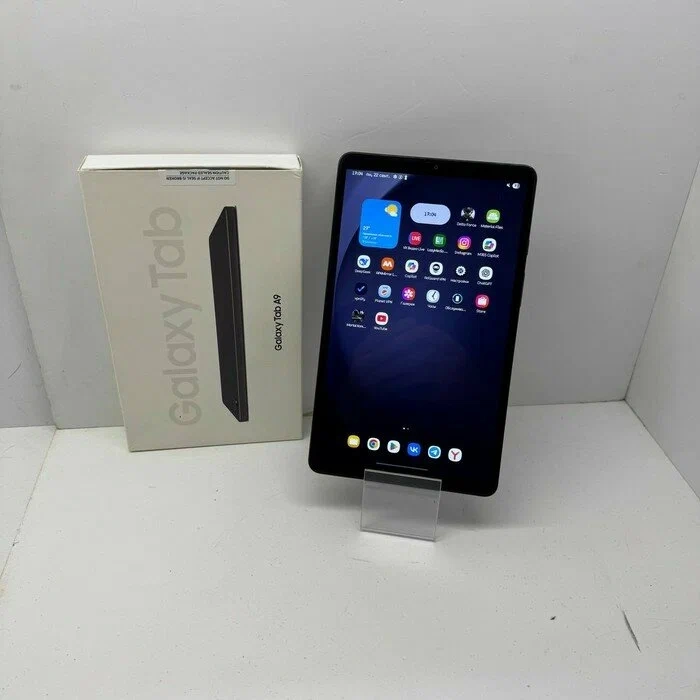
The tablet is less appealing at its full launch price in a market with newer alternatives. A good UK deal sits below £150 for the 64GB model, with the 128GB version judged on its price gap. The Galaxy Tab A9+ becomes more attractive if that difference is small.
Do not buy the A9 for serious drawing, professional photography, laptop-style productivity or high-end gaming. The lack of S Pen support, 60Hz screen, limited front camera and short tested battery life are meaningful compromises.
Final verdict
The Samsung Galaxy Tab A9 is a well-balanced small Android tablet. It has a sturdy design, useful software, a microSD slot and enough performance for everyday tasks. Samsung’s update policy gives it extra value in a price category where support can be weak.
Its screen is merely adequate, and the battery is not a standout. The tablet feels best as a personal reader, travel companion or affordable family device. It is less convincing as a work machine or gaming system.
Buy it at a discounted UK price if you want a compact Android tablet from a trusted brand. Choose the Galaxy Tab A9+ for a bigger display and better multitasking.
Frequently asked questions
Does the Galaxy Tab A9 support the S Pen?
No. The Galaxy Tab A9 does not support an active S Pen, so it is not the right choice for handwritten notes or digital drawing.
Can the Galaxy Tab A9 make phone calls?
The LTE version supports mobile connectivity through a SIM, subject to network and model compatibility. The Wi-Fi version does not connect directly to a mobile network.
Is the Galaxy Tab A9 good for Netflix?
Yes. The tablet’s display and speakers are suitable for Netflix, YouTube and other streaming services.
Does it have GPS?
The cellular Galaxy Tab A9 includes GPS support. Buyers should check the exact model number before purchasing, particularly if navigation is a priority.
