


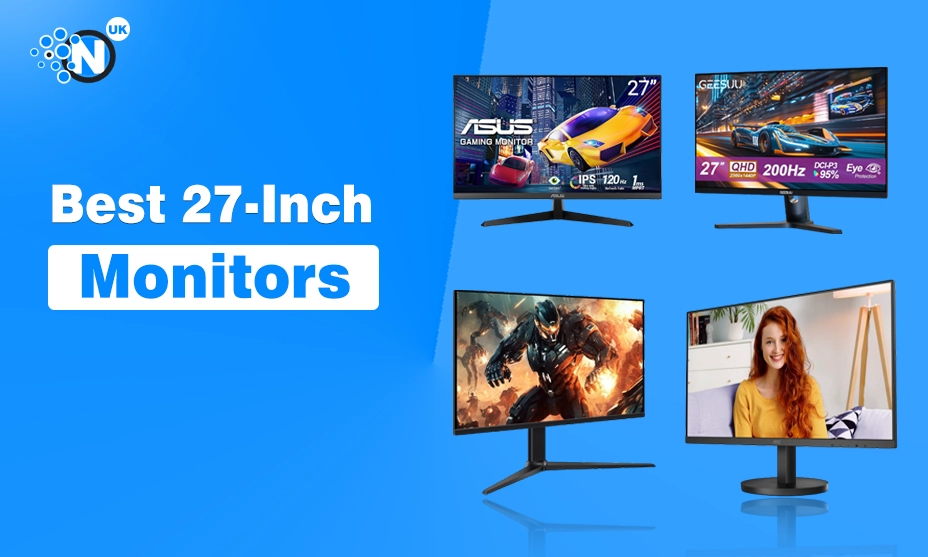
Gaming on the wrong monitor can hold you back, even if you have a powerful PC or console.
Poor motion clarity, low refresh rates, and weak HDR can make fast-paced games feel less responsive and immersive than they should.
A 27-inch monitor strikes the perfect balance between screen size, sharp image quality, and competitive performance, which is why it’s one of the most popular choices among gamers.
Whether you play fast-paced esports titles or visually demanding AAA games, the right display can make every frame look smoother and every detail stand out.
In this guide, I’ve reviewed 6 of the best 27-inch gaming monitors available in 2026, comparing their gaming performance, display quality, refresh rates, response times, and overall value.
What Are the Best 27-Inch Gaming Monitors?
Below are my top six picks for the best 27-inch gaming monitors, selected for their gaming performance, display quality, refresh rate, and overall value.
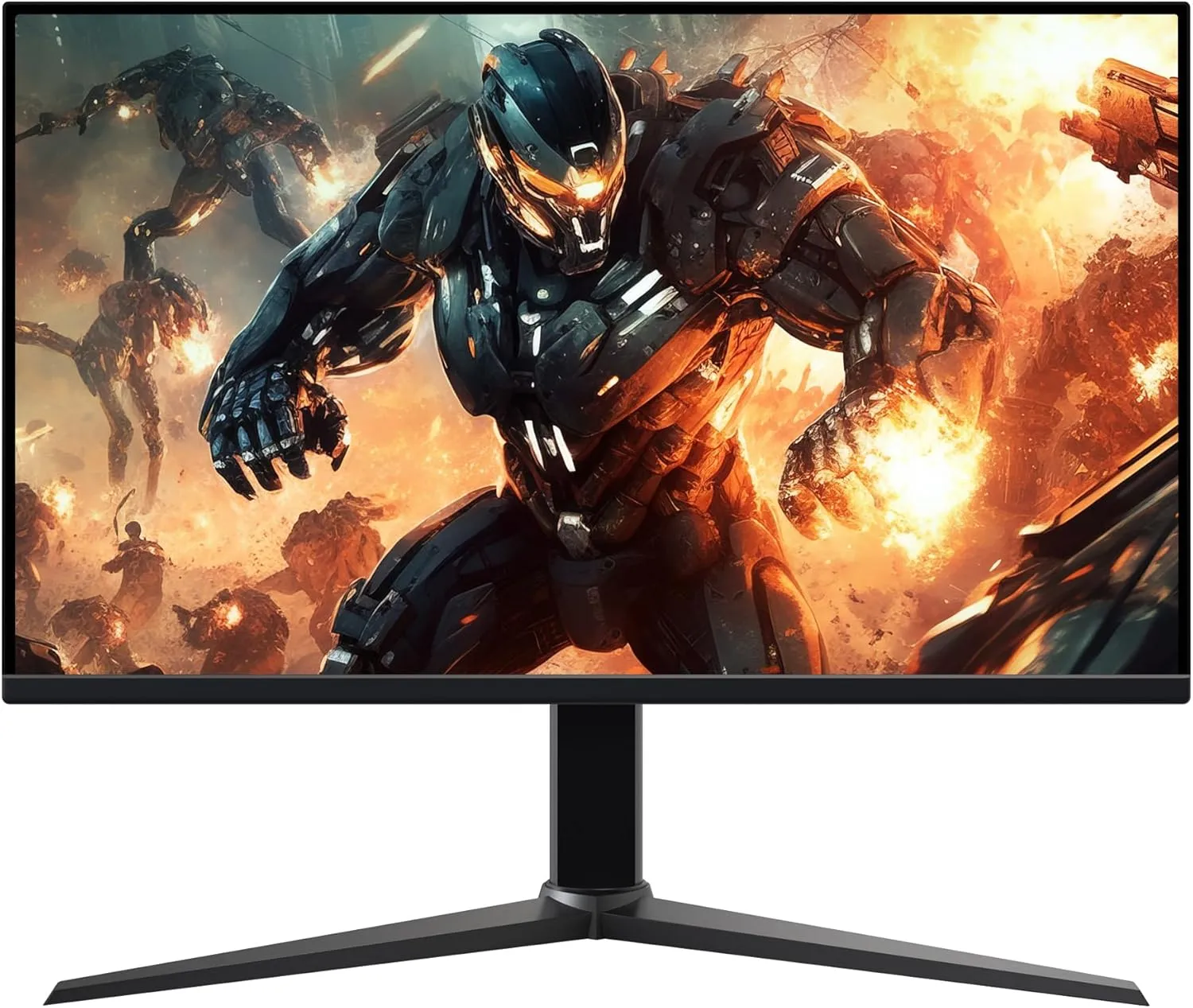
Philips 27M2N3500AM
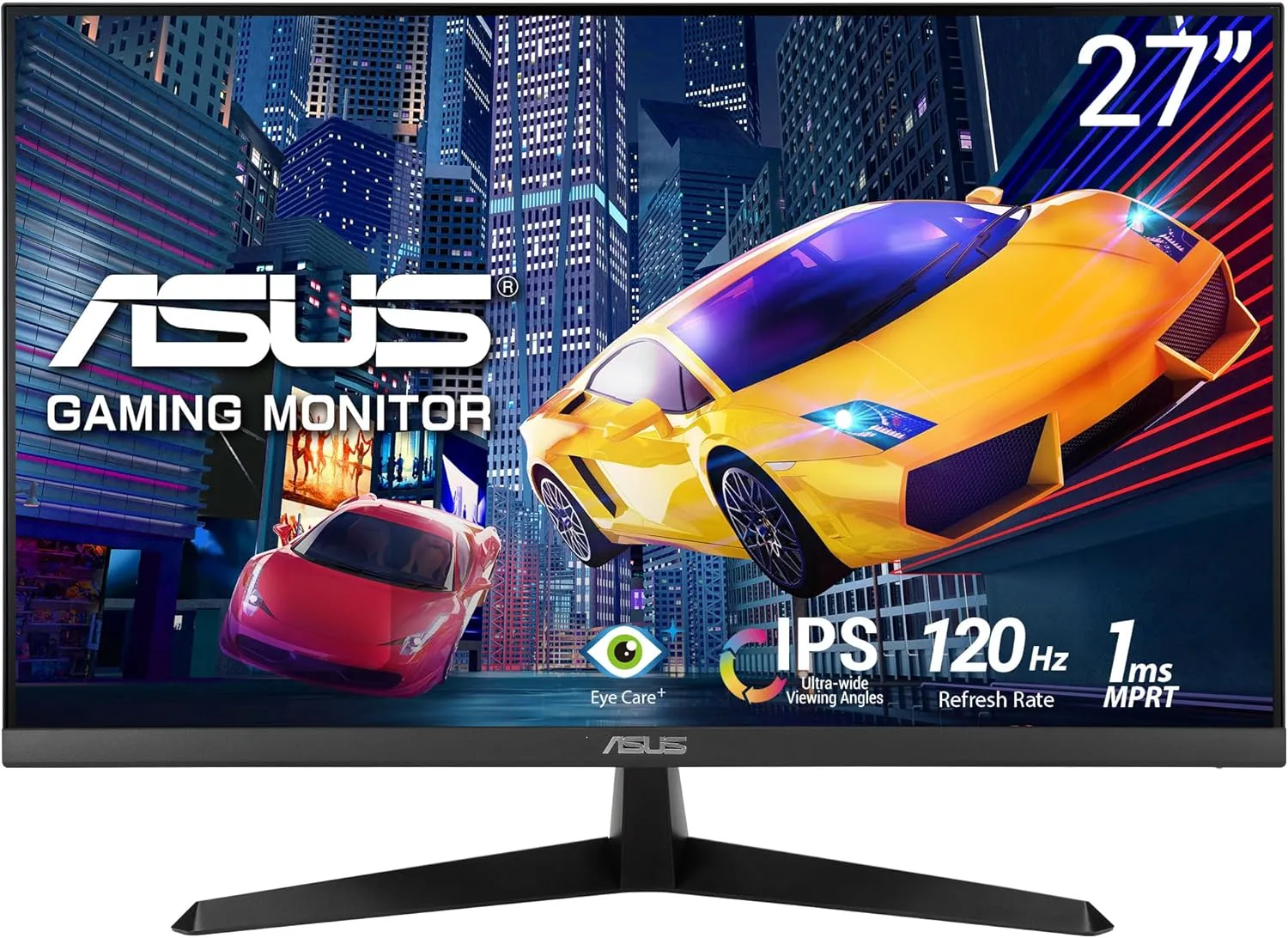
AOC Q27G42XNE

LG 27GS60F

Acer Nitro XV271UM3
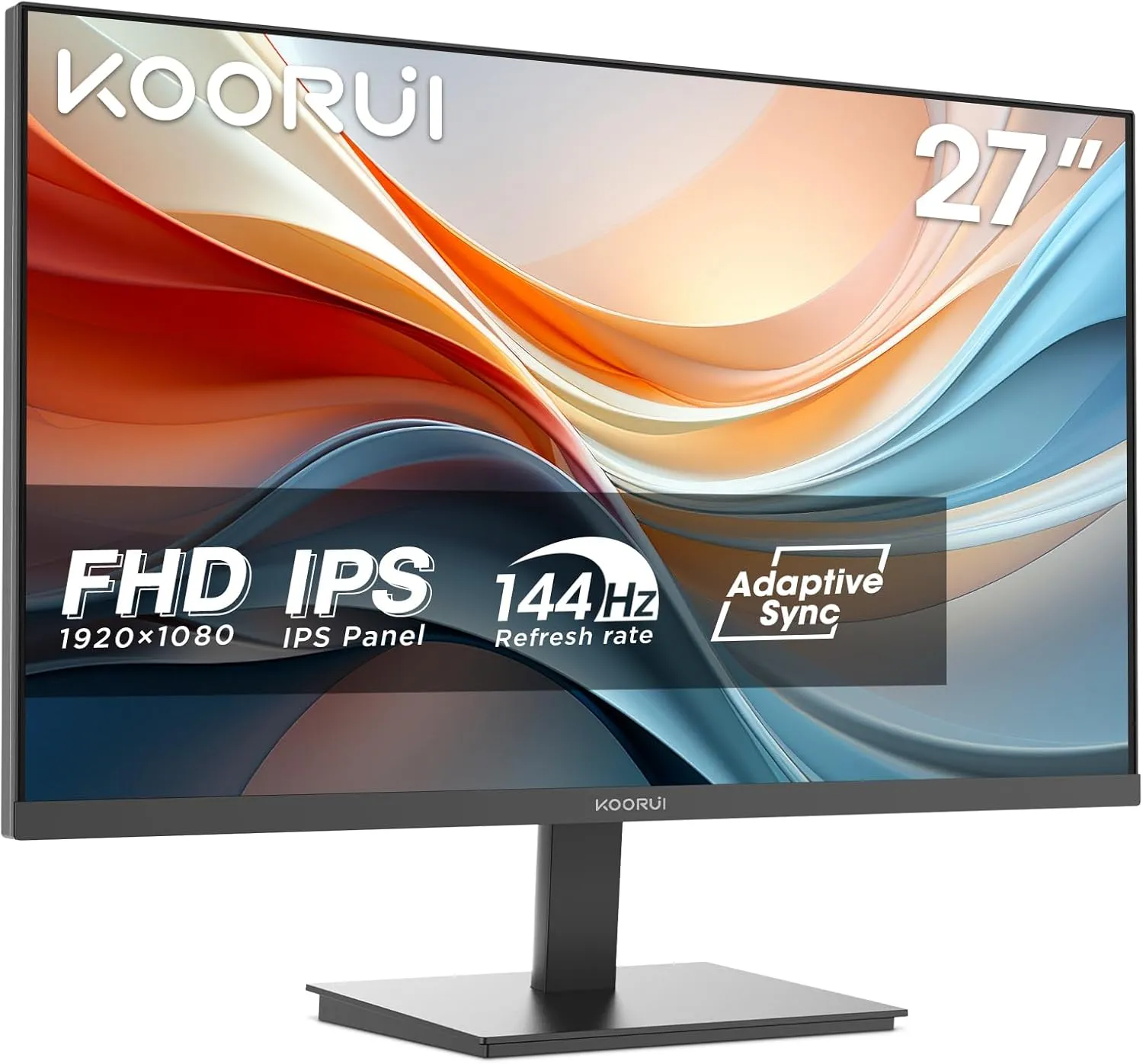
iiyama G-Master GB2771QSU-B1
MSI MAG 275QF
1. Philips 27M2N3500AM Review
The Philips 27M2N3500AM is one of the best value 27-inch gaming monitors for players who want smooth gameplay and sharp QHD visuals at an affordable price.
Its Fast VA panel delivers deeper blacks and stronger contrast than a typical IPS display, while the 180Hz refresh rate and 0.5ms Smart MBR response time keep fast-paced games responsive with minimal motion blur.
Adaptive Sync also helps reduce screen tearing for a smoother gaming experience. Although it supports HDR, the overall HDR performance is fairly basic due to its limited brightness.
Best For: Competitive gaming, AAA games, and gamers upgrading to a 1440p display.
Key Features
- 27-inch QHD (2560 × 1440) Fast VA panel
- 180Hz refresh rate
- 0.5ms Smart MBR response time
- Adaptive Sync support
- HDR support
- Basic tilt-only stand
Pros of Philips 27M2N3500AM
- Sharp QHD resolution with smooth 180Hz gameplay
- Strong contrast for immersive gaming
- Adaptive Sync reduces screen tearing
- Excellent value for money
Cons of Philips 27M2N3500AM
- HDR performance is limited
- Slight black smearing may appear in dark scenes
- No USB-C connectivity
2. AOC Q27G42XNE Review
If competitive gaming is your priority, the AOC Q27G42XNE delivers the speed needed to keep up with fast action.
Its 180Hz refresh rate and 1ms MPRT response time make aiming, tracking, and quick camera movements feel more responsive, while the QHD resolution keeps games looking crisp without putting as much strain on your GPU as 4 K does.
The Fast VA panel also produces deeper blacks, making darker environments more detailed and immersive.
Best For: FPS, battle royale, racing, and action games.
Key Features
- 27-inch QHD (2560 × 1440) Fast VA panel
- 180Hz refresh rate
- 1ms GtG response time
- Adaptive Sync support
- HDR10 support
- HDMI and DisplayPort connectivity
Pros of AOC Q27G42XNE
- Excellent motion clarity for fast-paced games
- QHD resolution offers sharp, detailed visuals
- Strong contrast improves dark scenes
- Good value for competitive gamers
Cons of AOC Q27G42XNE
- HDR performance is fairly basic
- Colours aren’t as wide as some IPS alternatives
- No built-in USB hub
3. LG 27GS60F Review
The LG 27GS60F is a great option for gamers who prefer vibrant colours and clear motion over deeper contrast. Its 27-inch IPS panel delivers wide viewing angles and 99% sRGB colour coverage, making game environments look more natural and detailed.
Combined with an 180Hz refresh rate, 1ms GtG response time, and support for both NVIDIA G-SYNC Compatible and AMD FreeSync, it provides a fluid gaming experience with minimal screen tearing.
The Full HD resolution is also less demanding on your graphics card, helping you achieve higher frame rates in competitive games.
Best For: Esports players, competitive gaming, and mid-range gaming PCs.
Key Features
- 27-inch Full HD IPS display
- 180Hz refresh rate
- 1ms GtG response time
- NVIDIA G-SYNC Compatible
- AMD FreeSync support
- HDR10 support
- DisplayPort and HDMI connectivity
Pros of LG 27GS60F
- Vibrant colours with wide viewing angles
- Excellent compatibility with both NVIDIA and AMD GPUs
- High refresh rate for competitive gaming
- Easy to achieve high FPS at 1080p
Cons of LG 27GS60F
- Full HD is less sharp than QHD on a 27-inch screen
- HDR10 offers only entry-level HDR performance
- No ergonomic height adjustment
4. Acer Nitro XV271UM3 Review
The Acer Nitro XV271UM3 is built for gamers who want fast performance without sacrificing image quality.
Its QHD IPS display produces crisp visuals and vibrant colours, while the 95% DCI-P3 colour gamut makes modern games look richer and more detailed.
With a 180Hz refresh rate, 1ms GtG response time, and AMD FreeSync Premium support, it delivers responsive gameplay with reduced screen tearing during fast-moving scenes.
Best For: Esports players, open-world games, and gamers who value colour accuracy.
Key Features
- 27-inch QHD (2560 × 1440) IPS display
- 180Hz refresh rate
- 1ms GtG response time
- AMD FreeSync Premium
- HDR10 support
- 95% DCI-P3 colour gamut
- Ergonomic stand
Pros of Acer Nitro XV271UM3
- Rich, vibrant colours with a wide colour gamut
- Sharp QHD resolution for detailed visuals
- FreeSync Premium improves gameplay smoothness
- Adjustable stand for a more comfortable setup
Cons of Acer Nitro XV271UM3
- HDR performance is limited
- No NVIDIA G-SYNC certification
- Built-in speakers are not included
5. iiyama G-Master GB2771QSU-B1 Review
If high refresh rates are your priority, the iiyama G-Master GB2771QSU-B1 is one of the fastest monitors in this roundup.
Its 200Hz Fast IPS panel delivers exceptionally fluid motion, making it well suited to competitive shooters where quick reactions matter.
Black Tuner technology also improves visibility in darker areas of the screen, helping you spot opponents more easily without washing out the overall image.
Best For: Esports, FPS games, and competitive multiplayer titles.
Key Features
- 27-inch QHD (2560 × 1440) Fast IPS display
- 200Hz refresh rate
- 0.5ms MPRT response time
- NVIDIA G-SYNC Compatible
- Adaptive Sync support
- Black Tuner technology
- Height-adjustable stand
- USB hub, HDMI, and DisplayPort connectivity
Pros of GB2771QSU-B1
- 200Hz refresh rate delivers ultra-smooth gameplay
- Fast IPS panel with sharp QHD visuals
- Black Tuner improves visibility in dark scenes
- USB hub adds convenient peripheral connectivity
Cons of GB2771QSU-B1
- HDR support is limited
- Premium refresh rate may be unnecessary for casual gamers
- Requires a powerful GPU to utilise 200Hz at QHD fully
6. MSI MAG 275QF Review
The MSI MAG 275QF is designed for gamers who want fast response times without compromising image quality.
Its Rapid IPS panel combines the wide viewing angles of IPS with quicker pixel transitions, while the QHD resolution keeps games looking crisp and detailed.
The 180Hz refresh rate and 0.5ms GtG response time provide precise motion handling, and MSI’s AI Vision helps brighten darker areas of the screen, making enemies easier to spot without affecting the entire image.
Best For: Competitive gaming, action games, and players who want a fast IPS display.
Key Features
- 27-inch QHD (2560 × 1440) Rapid IPS display
- 180Hz refresh rate
- 0.5ms GtG response time
- Adaptive Sync support
- HDR Ready
- AI Vision technology
- DisplayPort and HDMI connectivity
Pros of MSI MAG 275QF
- Rapid IPS panel delivers fast and accurate visuals
- AI Vision improves visibility in dark scenes
- Sharp QHD resolution with a smooth 180Hz refresh rate
- Low response time for competitive gameplay
Cons of MSI MAG 275QF
- HDR Ready does not provide true HDR performance
- No USB-C connectivity
- Requires a capable GPU to make full use of 180Hz at QHD
People Also Ask About 27-Inch Monitor
What is the best 27-inch gaming monitor?
The best 27-inch gaming monitor depends on your budget and preferred games. For most gamers, a QHD display with a 180Hz or higher refresh rate, a fast response time, and Adaptive Sync offers the best balance of performance and image quality.
How big is a 27-inch monitor?
A 27-inch monitor measures 27 inches diagonally and is approximately 23.5 inches (59.8 cm) wide and 13.2 inches (33.6 cm) tall with a standard 16:9 aspect ratio.
How wide is a 27-inch monitor?
A 27-inch 16:9 monitor is approximately 23.5 inches 59.8 cm wide, excluding the bezels.
How far should you sit from a 27-inch gaming monitor?
For the best gaming experience, sit 60–90 cm (2–3 feet) away. This distance lets you see the entire screen comfortably while making the most of 1440p or 4K detail.
Is 1080p good enough for a 27-inch gaming monitor?
Yes, especially for competitive gaming where higher frame rates matter. However, if your graphics card can handle it, 1440p delivers noticeably sharper visuals and is generally the better choice for a 27-inch display.
What is the best 27-inch 4K gaming monitor?
A good 27-inch 4K gaming monitor should include a 144Hz or higher refresh rate, HDMI 2.1, Adaptive Sync, and a fast IPS or OLED panel. The right choice depends on your budget and gaming setup.
Is 1440p the best resolution for a 27-inch gaming monitor?
For most PC gamers, yes. A 1440p resolution offers a sharp image without the high hardware demands of 4K, making it the sweet spot for 27-inch gaming monitors.
How much power does a 27-inch gaming monitor use?
Most 27-inch gaming monitors use 20–35 watts during normal use. High-refresh-rate or HDR models may consume 40–60 watts, depending on brightness and usage.
Final Thoughts on 27-inch Monitor
The best 27-inch gaming monitor depends on your budget, GPU performance, and the type of games you play. For most gamers, a QHD display with a high refresh rate offers the best balance between image quality and smooth gameplay.
After comparing these six models, my top pick is the iiyama G-Master GB2771QSU-B1 because its 200Hz refresh rate, Fast IPS panel, and QHD resolution deliver the best combination of speed and visual quality for serious gaming.
If you want a more affordable option, the Philips 27M2N3500AM offers excellent value with 1440p resolution and 180Hz performance, while the AOC Q27G42XNE is a strong choice for competitive gamers.
