
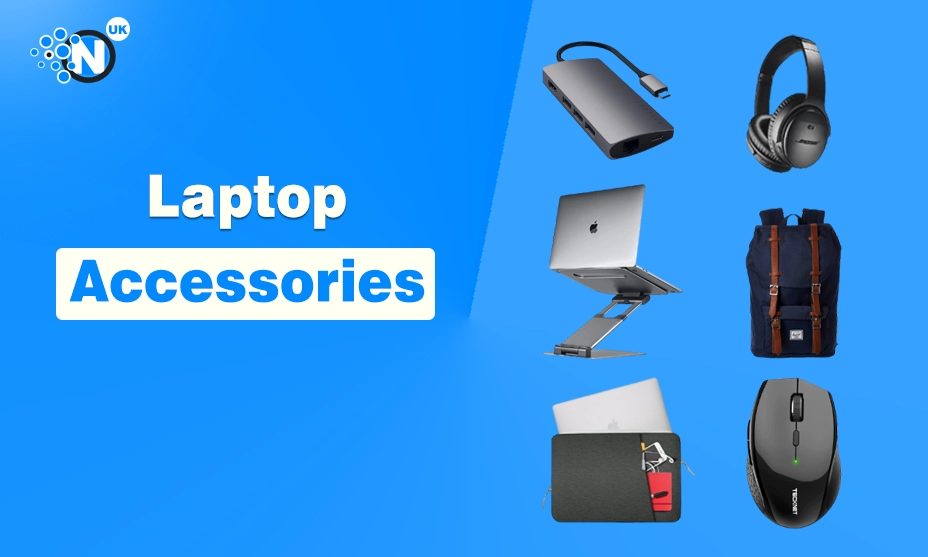
If you use a laptop daily – whether for work, studying, or managing your personal projects – you already know that the right accessories can completely change your experience.
A good laptop is powerful on its own, but when paired with smart, practical accessories, it becomes a true productivity machine. From improving comfort and posture to boosting performance and organisation, the right add-ons make all the difference.
In this guide, we’ll explore the top laptop accessories you should consider in 2026, carefully selected to help you work smarter, stay organised, and feel more comfortable throughout the day.
Whether you’re a student, remote worker, freelancer, or office professional, these must-have gadgets are designed to upgrade your daily workflow.
Why Laptop Accessories Matter More Than Ever
Laptops have become a central part of our daily lives, whether we’re working, studying, or staying connected online. With remote jobs, virtual classes, and digital businesses growing rapidly, screen time has increased more than ever.
Many people now spend long hours on their laptops without proper breaks or setup. This has made comfort, efficiency, and productivity more important than before. As our reliance on technology grows, having the right tools and habits in place is no longer optional – it’s essential for better performance and wellbeing.
However, long laptop usage without the right setup can lead to:
- Neck and back pain
- Poor posture
- Eye strain
- Slower productivity
- Messy workspaces
That’s where laptop accessories come in. The right tools help you:
- Work more comfortably
- Improve efficiency
- Protect your device
- Stay organised
- Boost overall productivity
Let’s explore the best laptop accessories that actually make a difference.
Laptop Stand – A Game-Changer for Posture
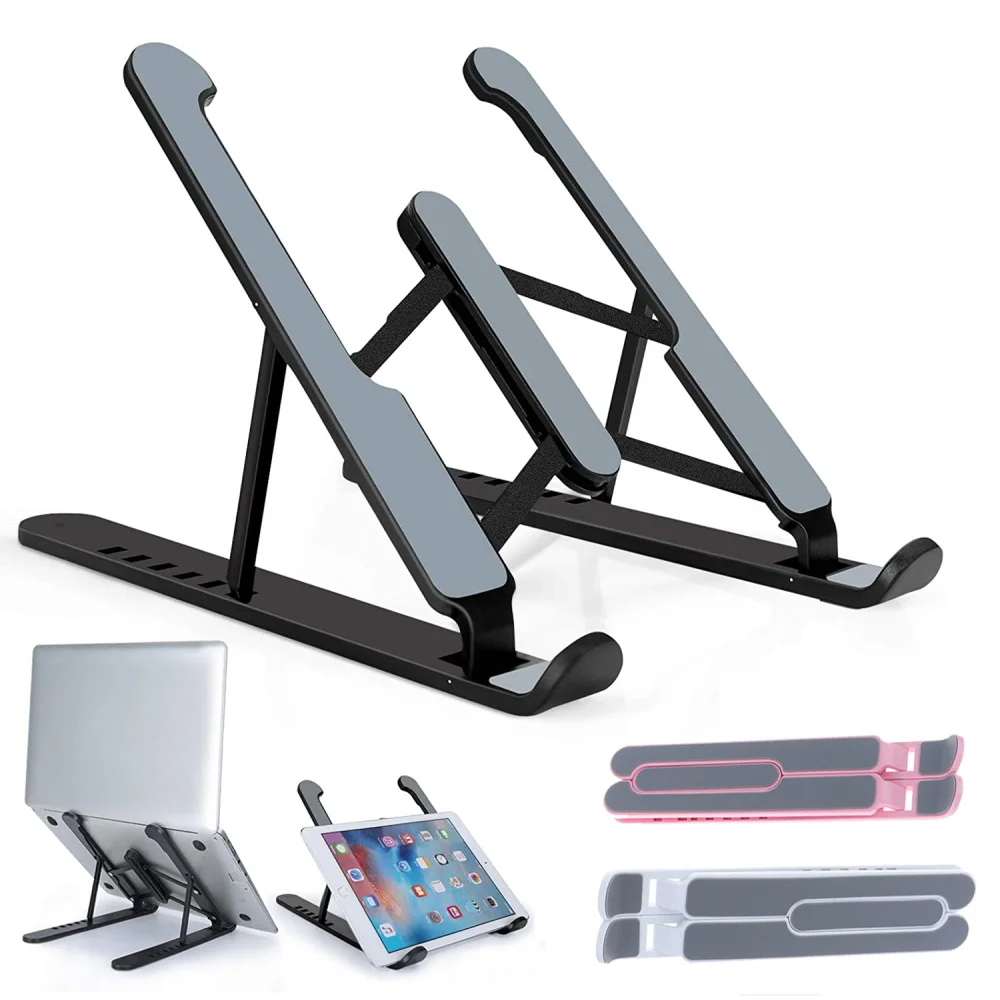
A laptop stand is one of the most useful accessories you can have for your workspace. It lifts your laptop to eye level, which helps maintain better posture while working.
This simple adjustment reduces strain on your neck and shoulders during long hours. It also makes your screen easier to view without bending forward. Over time, using a laptop stand can help prevent discomfort and improve overall working comfort.
Why you need one:
- Improves posture
- Reduces back and neck pain
- Improves airflow to prevent overheating
- Creates space on your desk
Best types of laptop stands:
- Adjustable aluminium stands – sturdy and great for home offices
- Foldable travel stands – lightweight and portable
- Ergonomic risers – ideal for long work hours
Tip: Pair your laptop stand with an external keyboard and mouse for the best ergonomic setup.
Wireless Keyboard and Mouse – Comfort Meets Efficiency
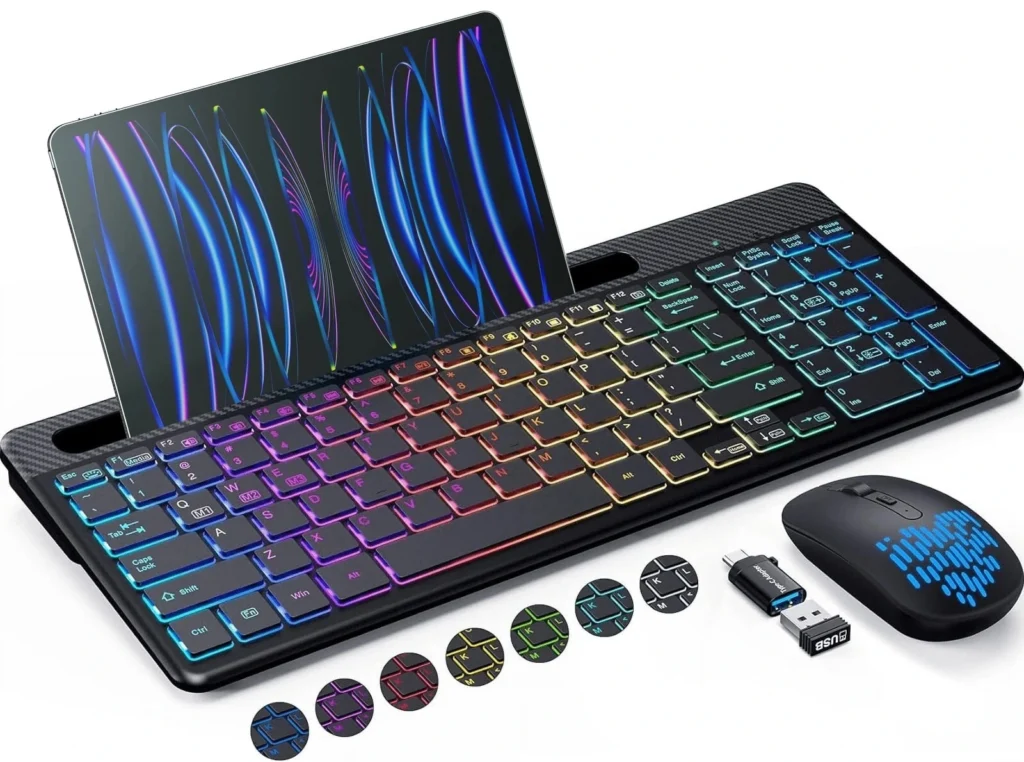
Using a laptop keyboard for long hours can often feel uncomfortable and tiring. A wireless keyboard and mouse combo gives you more freedom to move and adjust your posture.
It allows your hands to rest in a more natural position, reducing strain on your wrists. This setup also makes typing faster and more comfortable. Overall, it helps improve productivity and makes long working sessions much easier to manage.
Benefits:
- Better typing posture
- Reduced wrist strain
- Cleaner desk setup
- Increased productivity
What to look for:
- Silent or low-profile keys
- Ergonomic mouse design
- Long battery life
- Bluetooth or USB receiver compatibility
Wireless accessories are perfect for both home offices and students who want a clutter-free desk.
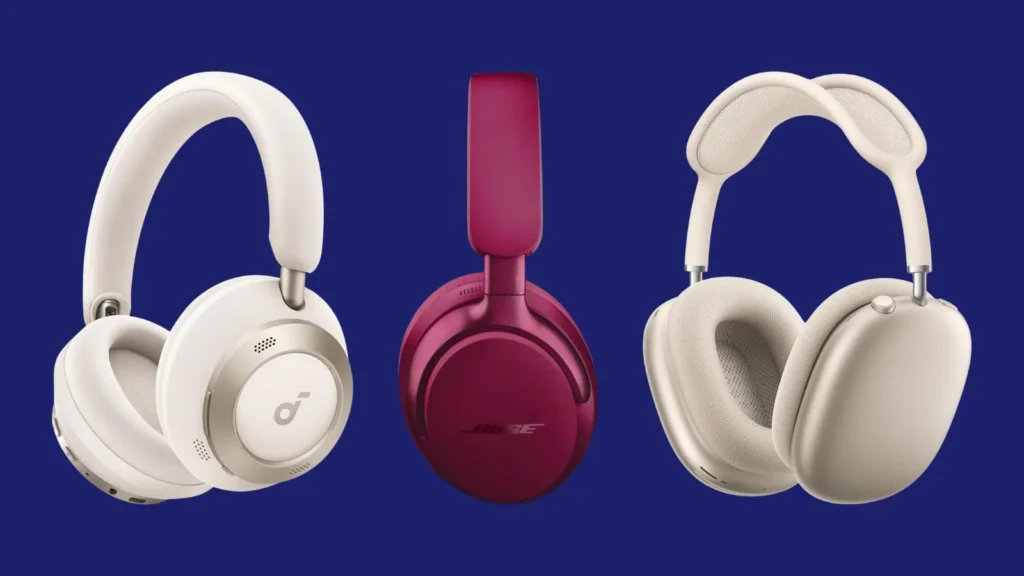
Noise-Cancelling Headphones – Focus Without Distractions
If you work or study in a noisy environment,types of noise-cancelling headphones are a must-have accessory. They help block out background sounds and distractions, allowing you to focus better.
This is especially useful during online meetings, study sessions, or deep work. Good headphones also improve audio quality for calls and videos. With fewer interruptions, you can stay productive and concentrate for longer periods.
Why they’re essential:
- Block background noise
- Improve focus and concentration
- Perfect for online meetings and calls
- Enhance music and video quality
Best features to consider:
- Active noise cancellation (ANC)
- Comfortable ear cushions
- Long battery life
- Built-in microphone
They’re ideal for remote workers, students in shared spaces, and anyone who values peace and productivity.
External Monitor – Boost Productivity Instantly
An external monitor can greatly increase your productivity and make work much easier. It gives you more screen space, allowing you to multitask efficiently.
You can work on documents while keeping emails or research open at the same time. This reduces the need to constantly switch between tabs. Overall, an external monitor helps you work faster and stay more organised throughout the day.
Benefits:
- More screen space
- Easier multitasking
- Better viewing experience
- Reduced eye strain
Best uses:
- Working with documents and spreadsheets
- Video editing and design work
- Online learning and research
A 24-inch or 27-inch monitor with Full HD or 4K resolution works best for most users.
Laptop Backpack or Sleeve – Protection on the Go
If you carry your laptop every day, a good-quality laptop bag or sleeve is essential. It helps protect your device from scratches, bumps, and accidental damage.
A well-padded bag also makes travelling more comfortable and secure. Many bags come with extra compartments for chargers and accessories. Choosing the right laptop bag keeps your device safe while adding convenience and style to your daily routine.
Why it matters:
- Protects from bumps and scratches
- Keeps accessories organised
- Makes commuting easier
- Adds a professional look
What to look for:
- Padded laptop compartment
- Water-resistant material
- Extra pockets for charger and accessories
- Comfortable straps
A stylish backpack or slim sleeve can make a big difference, especially for students and professionals who travel often.
USB-C Hub or Docking Station – Expand Your Connectivity
Modern laptops often come with limited ports, which can be frustrating when connecting multiple devices. This is where a USB-C hub or docking station becomes very useful.
It allows you to connect USB drives, monitors, keyboards, and more at the same time. A docking station helps keep your workspace organised and efficient. It’s especially helpful for people who use external screens or work from a desk setup.
Key features:
- USB-A and USB-C ports
- HDMI or DisplayPort
- SD card reader
- Ethernet port
Benefits:
- Connect multiple devices easily
- Perfect for external monitors and storage
- Ideal for minimalist laptops
A docking station is a must-have for anyone using a MacBook or ultrabook.
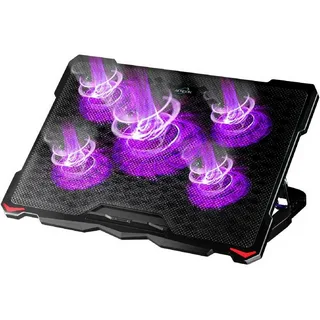
Laptop Cooling Pad – Keep Your Device Cool
Overheating can slow down your laptop and affect its overall performance. When a laptop gets too hot, it can also damage internal components over time.
A laptop cooling pad helps improve airflow and keeps the device at a safe temperature. This is especially useful during heavy tasks like gaming or video editing. Using a cooling pad helps your laptop run smoothly and last longer.
Advantages:
- Improves airflow
- Prevents overheating
- Extends laptop lifespan
- Reduces fan noise
This is especially useful for gamers, video editors, or anyone using heavy software.
External Storage – Never Run Out of Space
Running out of storage can be very frustrating, especially when you need to save important files.External hard drives and SSDs offer a simple and reliable solution.
They provide extra space for documents, photos, videos, and backups. SSDs are faster and more portable, while hard drives offer larger storage at a lower cost. Using external storage helps keep your laptop organised and running smoothly.
Options:
- External SSDs – fast and portable
- External HDDs – more storage at lower cost
- USB flash drives – compact and convenient
Perfect for backups, large files, and transferring data between devices.
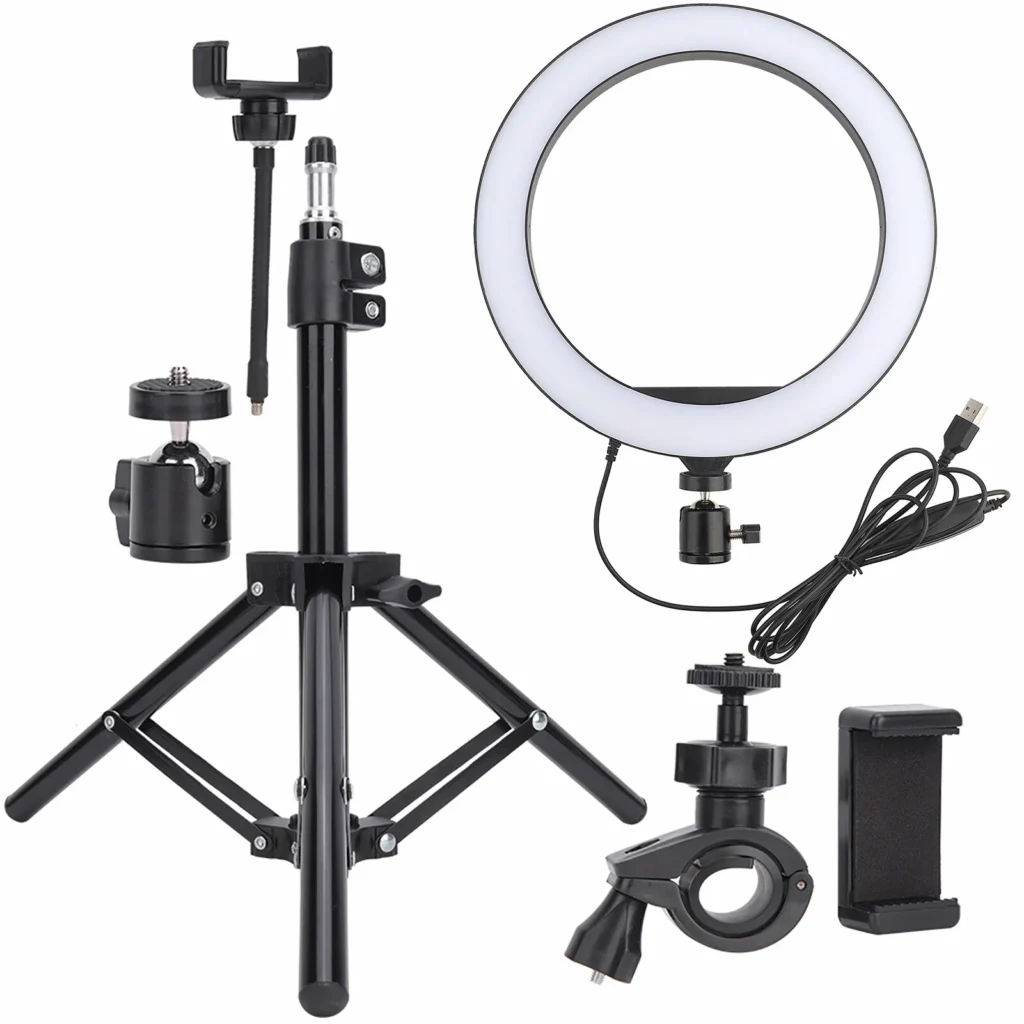
Webcam and Ring Light – Look Professional on Calls
If you attend online meetings or classes, having a good webcam and ring light can make a big difference. A quality webcam improves video clarity, making you look more professional.
A ring light provides proper lighting and removes shadows from your face. This helps you appear more confident and clear on screen. It’s especially useful for virtual meetings, online teaching, or content creation.
Benefits:
- Clear video quality
- Better lighting
- More professional look
- Ideal for content creators and remote workers
Many laptops have average webcams, so upgrading makes a noticeable difference.
Cable Organiser – Keep Your Desk Tidy
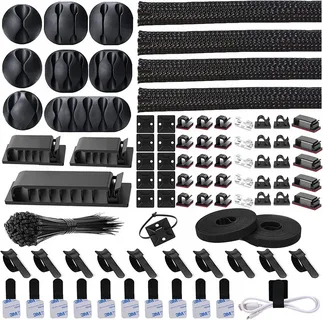
Messy cables can be annoying and make your workspace look untidy. A cable organiser helps keep all your wires neatly arranged and easy to access. It prevents cables from tangling and getting damaged over time.
With everything in place, your desk looks cleaner and more organised. This small accessory can make a big difference to your overall workspace comfort.
Why it’s useful:
- Reduces clutter
- Saves time
- Prevents cable damage
- Makes your workspace look professional
It’s a small accessory that makes a big difference.
Laptop Cleaning Kit – Keep It Fresh
Dust, fingerprints, and dirt can affect both the performance and appearance of your laptop. Over time, dirt can build up on the screen, keyboard, and vents.
This may lead to overheating or reduced efficiency. Regular cleaning helps keep your device running smoothly. It also keeps your laptop looking fresh, clean, and professional every day.
What’s included:
- Microfibre cloth
- Screen cleaner
- Keyboard brush
- Compressed air
Regular cleaning helps maintain hygiene and extends the life of your laptop.
Portable Power Bank – Stay Charged Anywhere
A high-capacity power bank is perfect for students and professionals who are always on the move. It allows you to charge your laptop or phone when there’s no power outlet nearby.
This is especially useful during travel, long study sessions, or busy workdays. A reliable power bank ensures your devices stay powered when you need them most. It offers peace of mind and keeps your work uninterrupted.
Benefits:
- Charges laptop and phone
- Great for travel
- Ideal during power cuts
- Compact and portable
Make sure it supports USB-C Power Delivery (PD) for laptops.
Laptop Lock – Extra Security
If you work in public places, a laptop security lock adds an extra layer of protection. It helps prevent theft when you step away from your desk or table. This is especially useful in cafés, libraries, or shared workspaces.
A security lock is easy to use and offers peace of mind. It ensures your laptop stays safe while you focus on your work.
Why it’s useful:
- Prevents theft
- Ideal for shared offices
- Easy to use
A small investment for peace of mind.
Frequently Asked Questions
The most essential laptop accessories include a laptop stand, wireless keyboard and mouse, USB-C hub, headphones, and a laptop bag.
Yes. They improve comfort, boost productivity, protect your device, and help you work more efficiently, especially during long hours.
Students benefit most from a laptop stand, backpack, wireless mouse, headphones, and external storage.
An external monitor, ergonomic keyboard, mouse, and noise-cancelling headphones significantly improve productivity.
Yes. They improve airflow, reduce overheating, and help maintain better performance during heavy usage.
A combination of a laptop stand, external keyboard, webcam, and noise-cancelling headphones is ideal for remote work.
Final Thoughts
Choosing the right laptop accessories can completely transform the way you work or study. From improving posture and reducing strain to increasing efficiency and organisation, these tools are more than just extras – they’re essentials in today’s digital world.
Whether you’re setting up a home office, preparing for university, or upgrading your work-from-home setup, investing in quality laptop accessories is always worth it. Start with the basics like a laptop stand and keyboard, then gradually add accessories that suit your lifestyle and needs. A well-equipped workspace doesn’t just look good – it helps you feel better, work faster, and stay focused every day.