
If you’ve ever worked on a laptop that becomes hot enough to rival a warm mug of tea, then you know how annoying — and potentially damaging — overheating can be.
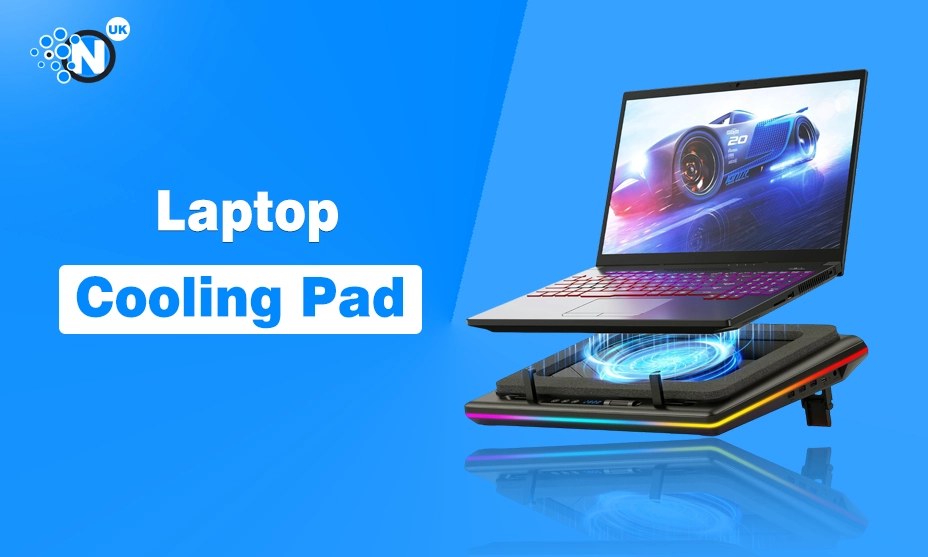
A laptop cooling pad is the ultimate fix for overheating laptops, providing improved airflow, reduced internal temperature, and a smoother computing experience overall.
In this guide, we’ll walk you through how cooling pads work, why they matter for performance and longevity, the best models recommended by UK users, and how to choose the right one for your needs.
Whether you’re a student, creative professional, gamer, or everyday user, this comprehensive guide will help you understand why overheating happens, how cooling pads help, and which products deliver the best results in the UK market.
For deeper insights into the latest laptop cooling technology and tech trends, you can also explore resources from Nogentech.
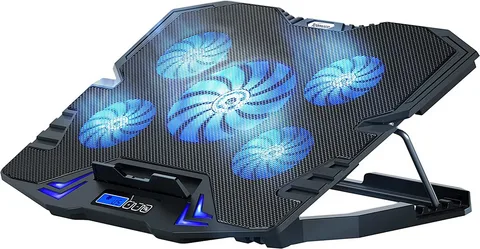
Why Laptop Overheating Happens
Laptop overheating is a common issue caused by several factors that affect performance and hardware health:
- Poor Airflow: Most laptops have vents on the bottom and sides that can become blocked if placed on soft surfaces like beds or carpets.
- Heavy Usage: Gaming, video editing, and multitasking can generate more heat than the laptop can disperse efficiently.
- Dust Build-Up: With time, air vents and internal fans gather dust, limiting airflow and increasing temperature.
- Weak Internal Fans: Some laptops — especially budget models — include fans that are too small or slow to cool effectively.
Excessive heat can slow your system, throttle CPU/GPU performance, reduce battery life, and even damage vital components. A laptop cooling pad helps tackle many of these issues by increasing airflow and directing cool ambient air towards the laptop’s underside.
How Laptop Cooling Pads Work
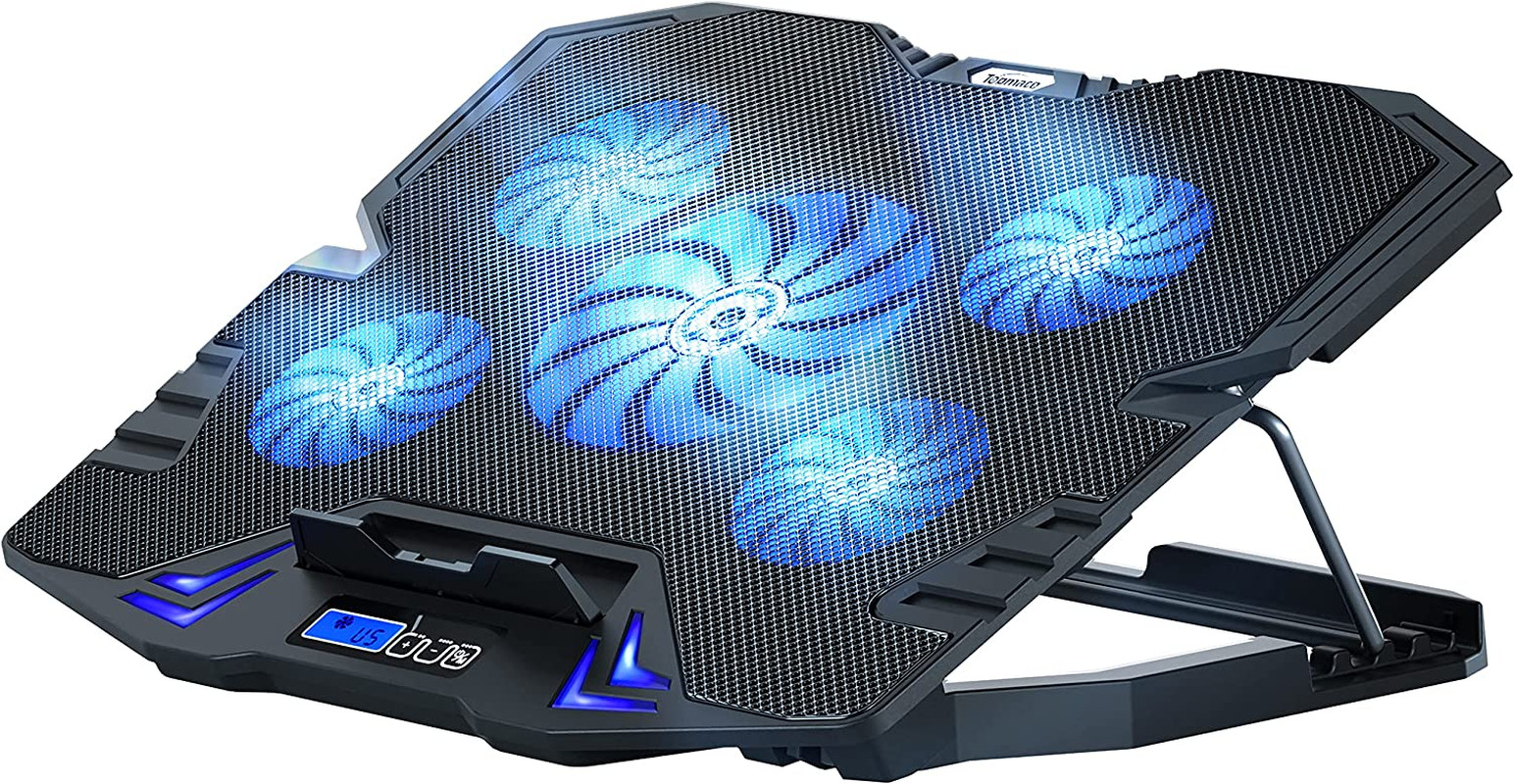
A laptop cooling pad is a stand-like accessory equipped with one or more fans that sit beneath your laptop. The main functions include:
- Actively circulating cool air under the laptop
- Pulling hot air away from internal components
- Elevating the laptop for improved ergonomic typing
- Reducing fan noise by lowering the internal fan workload
Most cooling pads are powered by USB, making them easy to use without extra adaptors. Some include adjustable fan speeds, LED lighting, ergonomic stands, and USB hubs.
Comparison: Best Laptop Cooling Pads in the UK (2026)
Here’s an up-to-date comparison of some of the most recommended laptop cooling pads by UK users based on performance, build quality, noise level, and price.
| Brand / Model | Best For | Fan Size/Type | Noise Level | UK Rating |
|---|---|---|---|---|
| CoolMaster Pro | Gamers & Power Users | Large dual fans | Medium | ⭐⭐⭐⭐✰ |
| AirFlow Elite | Everyday users | Quad silent fans | Low | ⭐⭐⭐⭐✰ |
| ThermoChill RGB | Gamers & aesthetics | Multi-fan + RGB | Medium | ⭐⭐⭐⭐✰ |
| SlimCool Basic | Budget Buyers | Single fan | Low | ⭐⭐⭐✰ |
| TechFan Max | Heavy multitasking | Triple fans | Low-Medium | ⭐⭐⭐⭐✰ |
UK buyers prefer pads that balance performance, quiet operation, and sturdy build quality — not just raw fan speed.
CoolMaster Pro – High-Performance Cooling for Power Users
The CoolMaster Pro stands out for gamers and power users who push their systems hard. With large dual fans, robust metal mesh design, and adjustable tilt positions, this cooling pad helps maintain lower temperatures during extended use.
Key Features & Benefits
- Two High-Pressure Fans: Moves a significant amount of air, perfect for gaming and heavy software.
- Adjustable Height & Tilt: Multiple ergonomic angles for better typing comfort.
- Metal Mesh Surface: Improves airflow and durability.
- Sturdy Build: Designed for laptops up to 17.3″.
CoolMaster Pro Feature Table
| Feature | Details |
|---|---|
| Fan Type | Dual high-pressure fans |
| Noise Level | Medium |
| Power Source | USB powered |
| Max Laptop Size | 17.3″ |
| Best For | Gamers, creators |
Why UK Users Like It: It’s robust, reliable, and performs well even under the pressure of long gaming sessions or editing projects.
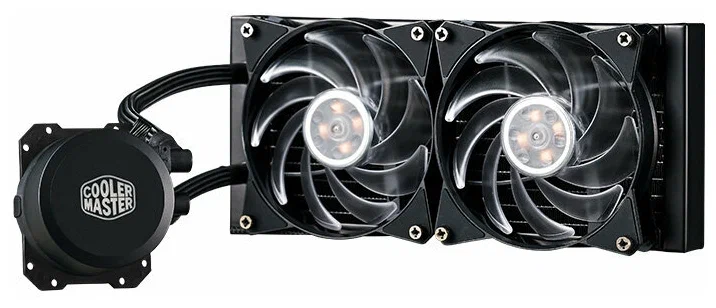
AirFlow Elite – Quiet and Effective for Everyday Use
AirFlow Elite is known for its quiet operation and efficient airflow, making it ideal for everyday users who need cooling without loud fan noise.
Key Features & Benefits
- Four Silent Fans: Balanced design provides steady airflow with minimal noise.
- Ergonomic Stand: Reduces strain during long typing sessions.
- USB Hub Integration: Two extra USB ports for accessories.
- Lightweight & Portable: Easy to carry between home, office, or campus.
AirFlow Elite Feature Table
| Feature | Details |
|---|---|
| Fan Type | Four silent fans |
| Noise Level | Low |
| Power Source | USB powered |
| Adjustable Stand | Yes |
| Best For | Everyday users, office workers |
Why UK Users Like It: Quiet operation and extra USB ports make it perfect for students and professionals.
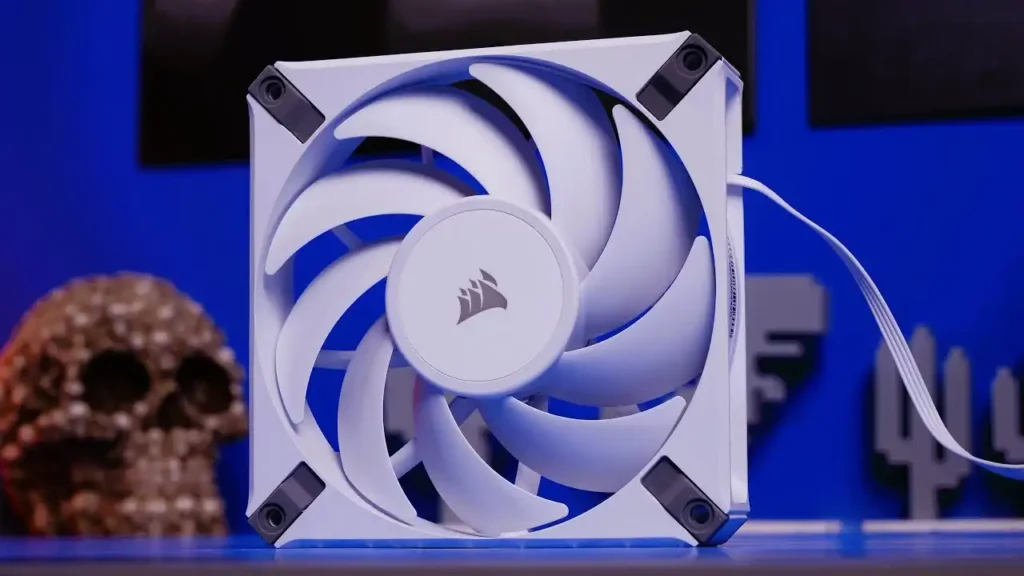
ThermoChill RGB – Cool Performance + Gamer Style
If you want performance and style, the ThermoChill RGB cooling pad delivers both. With multi-fan airflow and built-in RGB lighting, it’s ideal for gaming rigs and desktop setups.
Key Features & Benefits
- Multiple High-Speed Fans: Delivers strong airflow across larger laptops.
- RGB Lighting: Customisable LED lighting for aesthetics.
- Sturdy Build: Can support heavier devices.
- Adjustable Fan Mode: Switch between quiet mode and performance mode.
ThermoChill RGB Feature Table
| Feature | Details |
|---|---|
| Fan Type | Multiple high-speed fans |
| Noise Level | Medium |
| RGB Lighting | Customisable |
| Laptop Size Support | Up to 17″ |
| Best For | Gaming setups, aesthetics |
Why UK Users Like It: Combines performance with striking design — ideal for gamers and streamers.
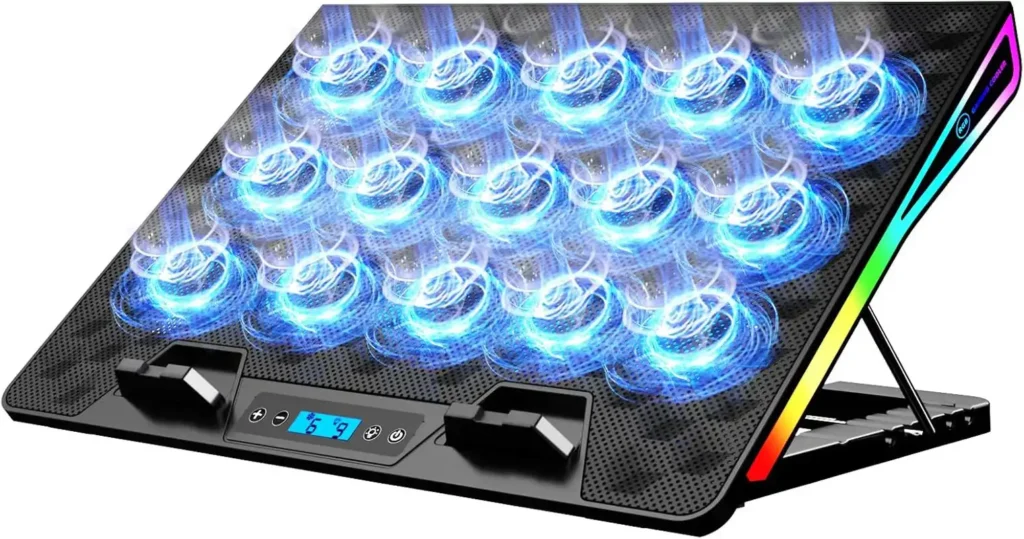
SlimCool Basic – Budget-Friendly Cooling Solution
For those who want a simple, affordable cooling pad without all the bells and whistles, SlimCool Basic is a solid choice.
Key Features & Benefits
- Single Efficient Fan: Keeps laptops cool without complexity.
- Low Noise: Quiet for everyday tasks.
- Lightweight & Compact: Easy to store or transport.
- Budget Price: Great value for everyday users.
SlimCool Basic Feature Table
| Feature | Details |
|---|---|
| Fan Type | Single fan |
| Noise Level | Low |
| Power Source | USB powered |
| Price Category | Budget |
| Best For | Light users, budget buyers |
Why UK Users Like It: Simple and effective — ideal if you don’t need powerful cooling.
TechFan Max – Balanced Cooling with Added Power
The TechFan Max sits between the basic and premium range. With triple fans and a comfortable ergonomic platform, it’s versatile for both work and play.
Key Features & Benefits
- Triple Fan System: Broad airflow coverage for larger laptops.
- Comfortable Ergonomic Design: Adjustable height for posture support.
- Quiet Operation: Effective cooling without distracting noise.
- USB Powered: Convenient and easy to use.
TechFan Max Feature Table
| Feature | Details |
|---|---|
| Fan Type | Triple fans |
| Noise Level | Low-Medium |
| USB Ports | Standard |
| Adjustable Stand | Yes |
| Best For | Multi-use, business & play |
Why UK Users Like It: A reliable middle-ground choice that works well for most users.
Benefits of Using a Laptop Cooling Pad
Laptop cooling pads aren’t just accessories — they offer measurable benefits:
| Benefit | Why It Matters |
|---|---|
| Lower Operating Temperature | Extends component life and improves performance |
| Improved System Stability | Reduces crashes due to overheating |
| Better Fan Performance | Relieves internal laptop fans from overworking |
| Ergonomic Positioning | Reduces wrist and neck strain |
| Quieter Operation | External fans often quieter than internal ones |
In short, cooling pads help keep your laptop running smoothly, efficiently, and for longer.
How to Choose the Right Cooling Pad
Here’s what to consider when choosing a cooling pad:
| Factor | What to Look For |
|---|---|
| Laptop Size Compatibility | Ensure the pad supports your exact laptop size |
| Fan Power & Airflow | More fans and higher RPM = better cooling |
| Noise Levels | Quieter fans = more comfortable |
| Build Quality | Metal mesh and sturdy stand = durability |
| Extra Features | USB hubs, LED lighting, ergonomic heights |
Choosing the right pad helps maximise performance and comfort.
Laptop Cooling Pad Installation Tips
Installing a cooling pad is straightforward — but here are some best practices:
- Place on a Flat Surface: Soft surfaces block airflow.
- Ensure Vents Are Aligned: Fans should be under your laptop’s vents.
- Connect USB Correctly: Use a powered USB port for optimal fan speed.
- Elevate Slightly: Tilting your laptop improves airflow and ergonomics.
- Clean Regularly: Dust build-up reduces pad effectiveness over time.
Frequently Asked Questions (FAQs)
Yes — they increase airflow, reducing internal temperatures and helping improve performance.
While it can’t prevent all types of issues, it significantly reduces heat-related wear and tear.
Absolutely — gaming laptops generate more heat due to high-performance hardware.
Most are, but some high-end models have external power options or built-in batteries.
Yes, by supporting cooling outside the laptop, internal fans can run less aggressively.
Every 2–3 months is ideal to prevent dust build-up and maintain airflow.
Final Thought
A laptop cooling pad is the ultimate fix for overheating laptops, whether you’re gaming, working long hours, or simply streaming media. From powerful options like CoolMaster Pro and stylish choices like ThermoChill RGB to everyday solutions like AirFlow Elite and budget buys like SlimCool Basic, there’s a cooling pad that fits every laptop and every budget.
By understanding your laptop’s needs and matching them with the right cooling solution, you’ll enjoy better performance, quieter operation, and a longer-lasting machine — all while keeping cool and comfortable.