
Security cameras have become a staple in modern homes. Whether you’re protecting your family, monitoring deliveries or simply keeping an eye on your property while away, having a reliable system in place matters.
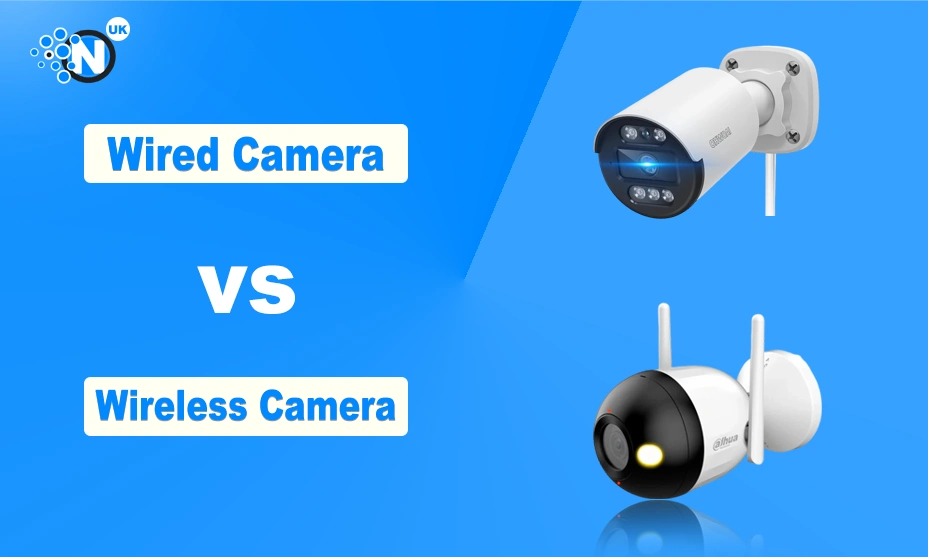
But when it comes to choosing the right type, many homeowners find themselves stuck between two options: wired cameras vs wireless cameras. So, the big question is — which is better wireless or wired home security cameras?
In this comprehensive and easy‑to‑understand guide, we’ll explore everything from performance and installation to cost and user experience. We’ll also look at two trusted camera brands that people love — Hikvision for wired systems and Arlo for wireless — and help you figure out which choice best fits your needs.
Understanding the Basics: Wired vs Wireless Camera
Before we dive deep into comparisons, let’s clarify what we mean by wired and wireless security cameras.
What Is a Wired Camera?
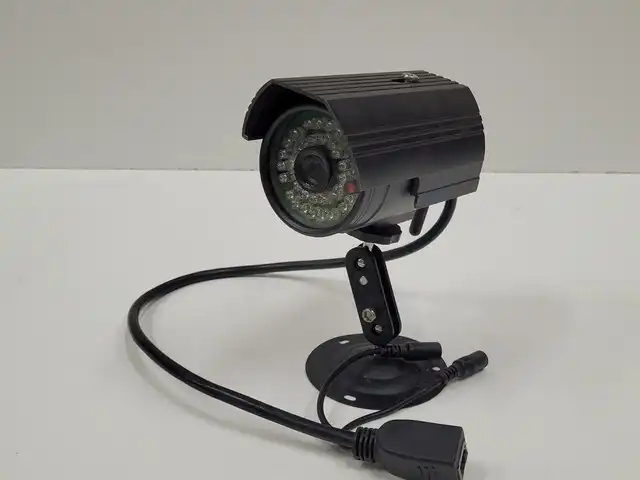
A wired security camera system uses cables to transmit video data and, in many cases, power. These cables typically connect to a central recording device such as a Digital Video Recorder (DVR) or a Network Video Recorder (NVR). Wired setups are often associated with traditional security systems but have advanced considerably.
What Is a Wireless Camera?
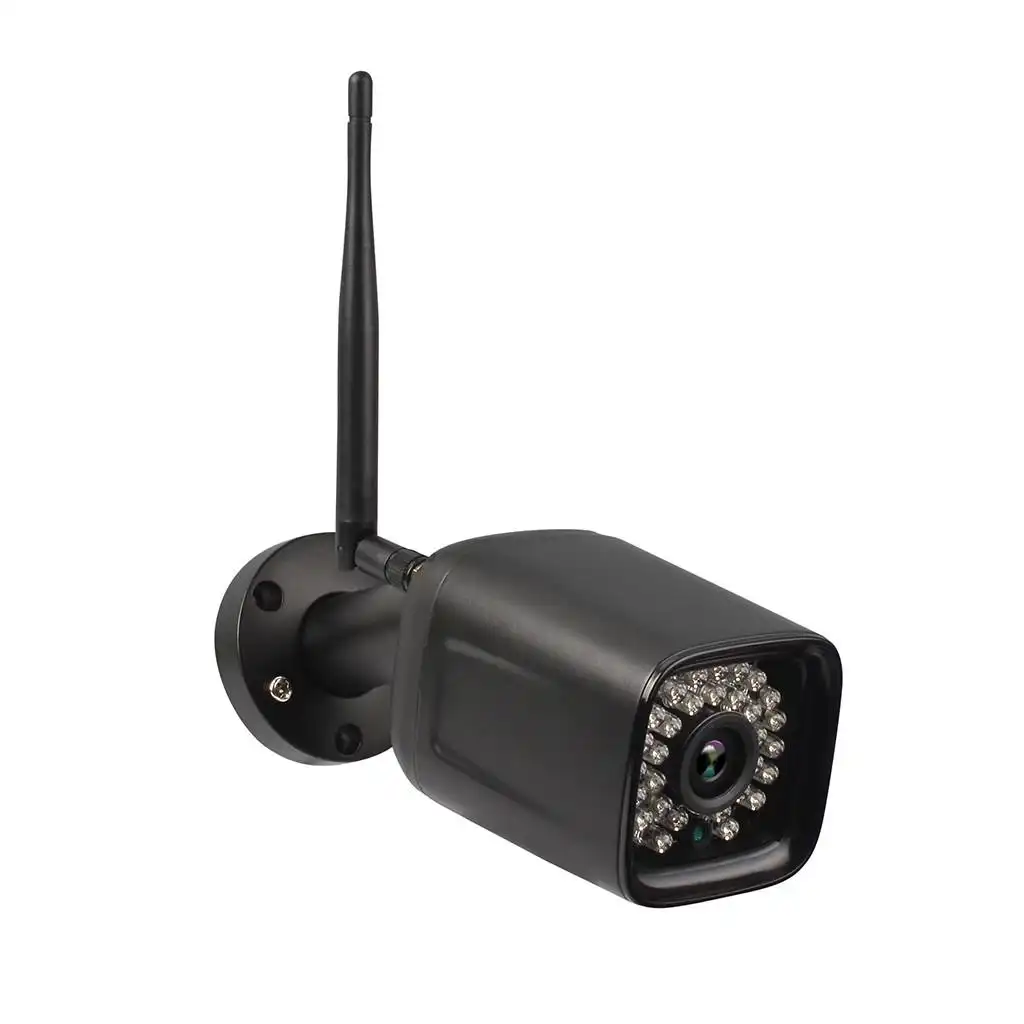
A wireless camera, in contrast, sends video footage over Wi‑Fi or another wireless network. Some wireless systems are truly wire‑free — meaning they run on batteries and don’t need any physical cables for video transmission or power.
Both types have their strengths and limitations. Let’s explore them in detail so you can make an informed decision.
Why Home Security Cameras Matter
Before comparing wired vs wireless camera performance, it helps to understand why security cameras are so important.
- Deterrence: Visible cameras can deter burglars and vandals.
- Remote Monitoring: Modern systems let you view footage from your phone, wherever you are.
- Evidence Collection: High‑quality video can be crucial in investigations.
- 24/7 Protection: Cameras can operate day and night with night vision.
- Smart Alerts: Many systems send alerts when motion is detected.
Given these benefits, choosing the right system isn’t just about technology — it’s about peace of mind.
Installation & Setup
One of the first things people consider is how easy a system is to install.
Wired Cameras
Installing a wired camera usually involves running cables through walls, ceilings or floors. This often means drilling holes and possibly hiring a professional installer. While the setup may take longer, it generally results in a strong, reliable connection that doesn’t depend on Wi‑Fi strength.
Pros:
- Stable connection with less interference
- No reliance on Wi‑Fi
- Ideal for large homes or multiple cameras
Cons:
- More complex installation
- Possible need for professional help
- Visible wiring if not concealed
Wireless Cameras
Wireless cameras are much easier to set up. Most models connect directly to your home Wi‑Fi network, and many are truly wire‑free, meaning they run on rechargeable batteries.
Pros:
- Quick and simple installation
- No need to run wires through walls
- Perfect for renters or people who want flexibility
Cons:
- Can suffer from Wi‑Fi interference
- Batteries must be replaced or recharged
- May need cloud storage subscriptions
Winner (Installation): Wireless cameras clearly take the lead if you value ease and speed.
Performance & Reliability
Once installed, how well does each system perform?
Wired Cameras
Wired setups are known for stable and consistent performance. Because they don’t rely on wireless transmission, the chances of losing footage due to network issues are lower. Generally, wired systems also support higher resolution video without lag.
Wireless Cameras
Wireless cameras are improving rapidly, but their performance still heavily depends on your Wi‑Fi quality. Thick walls or network congestion can impact video quality or cause delays.
Winner (Performance): Wired cameras tend to perform more reliably, especially in larger homes or buildings with thick walls.
Video Quality
Video quality is one of the biggest factors for home security.
Wired Systems
Wired systems often support higher bandwidth, which translates into sharper and clearer video. Many wired cameras can deliver 4K resolution or higher without strain.
Wireless Systems
Wireless cameras are catching up. Some high‑end models deliver excellent 1080p and even 2K footage, but they can struggle when Wi‑Fi signals fluctuate.
Winner (Video Quality): Wired cameras remain superior overall, especially for larger properties or critical surveillance areas.
Security & Privacy Concerns
Security is, unsurprisingly, a top priority.
Wired Cameras
Wired cameras are generally considered more secure because data travels through physical cables, making them less vulnerable to hacking.
Wireless Cameras
Wireless systems often rely on Wi‑Fi and cloud servers. If network security isn’t strong — with poor passwords or unprotected Wi‑Fi — cameras could be susceptible to unauthorised access.
Winner (Security): Wired cameras offer greater peace of mind when it comes to physical and network security.
Cost Comparison
Cost is always an important consideration.
Wired Cameras
Wired systems may cost more upfront due to installation and cabling. However, once installed, they often require no monthly fees (unless you choose cloud storage).
Wireless Cameras
Wireless systems tend to be cheaper initially and easier to set up yourself. However, many wireless cameras require subscription fees for cloud storage and may need battery replacements.
Winner (Cost): Wireless cameras are usually cheaper to start with, but total cost will vary over time depending on storage choices and battery life.
Flexibility & Expansion
Thinking about the future?
Wired Systems
Adding more cameras to a wired system often means running extra cables and potentially adjusting infrastructure, which can be costly.
Wireless Systems
Wireless cameras are much easier to expand. Just add another camera to the Wi‑Fi network — no rewiring required.
Winner (Flexibility): Wireless cameras are far easier to expand as your needs grow.
Brand Comparison: Hikvision vs Arlo
Now that we’ve covered general points, let’s compare two popular brands that many homeowners choose:
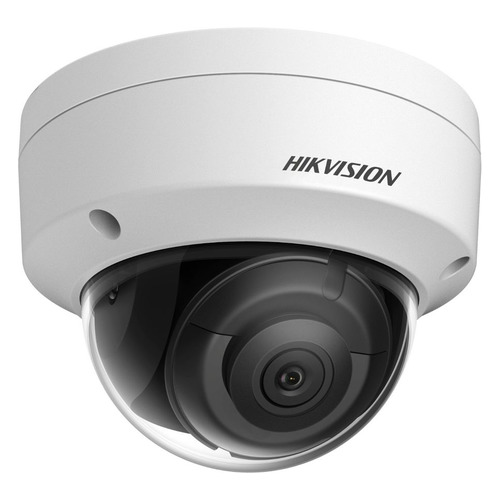
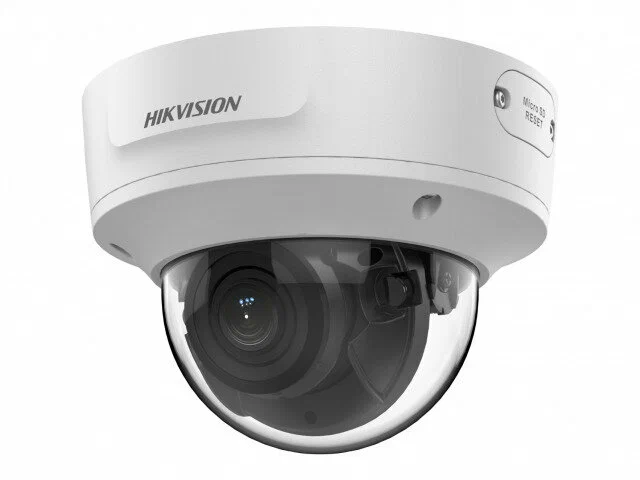
Hikvision (Wired Camera Leader)
Hikvision is a global name in security systems, known for professional‑grade wired cameras and robust performance.
Why People Like Hikvision:
- Excellent video clarity (up to 4K)
- Reliable and consistent performance
- Great for long‑term monitoring
- Ideal for larger homes or commercial properties
Drawbacks:
- More complex installation
- Not as user‑friendly for beginners
- Requires knowledge of DVR/NVR systems
Best for: People who want maximum reliability, clarity, and professional surveillance.
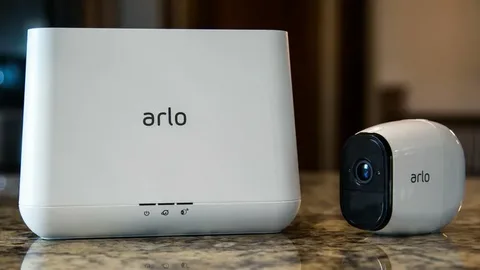
Arlo (Wireless Camera Favourite)
Arlo is one of the most popular wireless camera brands, known for its user‑friendly experience.
Why People Love Arlo:
- Plug‑and‑play installation
- Smart features like motion alerts and facial recognition
- Easy mobile app control
- Great for flexible setups
Drawbacks:
- Needs strong Wi‑Fi
- Cloud storage costs can add up
- Battery life limitations
Best for: Renters, tech‑savvy homeowners, and people who prioritise easy installation and smart features.
Head‑to‑Head Comparison
| Feature | Hikvision (Wired) | Arlo (Wireless) |
|---|---|---|
| Installation | Complex | Easy |
| Video Quality | Excellent (up to 4K) | Good to very good |
| Reliability | Very High | Dependent on Wi‑Fi |
| Security | Very Secure | Good (with strong network) |
| Cost | Higher upfront | Lower upfront |
| Flexibility | Limited | Excellent |
| Best For | Large/home installers | DIY users/renters |
Real‑World Use Cases
Let’s consider some everyday scenarios:
Family Home
If you want dependable monitoring and don’t mind professional installation, a wired system like Hikvision is a strong choice.
Small Flat or Rental
If you move frequently and want easy setup, a wireless system like Arlo makes life much simpler.
DIY Enthusiasts
Wireless systems appeal to those who enjoy setting up and managing tech themselves without professional installers.
Tips for Best Results
For Wired Cameras
- Plan cable routing ahead of installation
- Keep the NVR/DVR in a dry, secure place
- Use reliable power sources
For Wireless Cameras
- Ensure strong Wi‑Fi coverage in your home
- Use strong, unique passwords
- Update firmware regularly
FAQs
In most cases, wired cameras offer more reliable performance, better video quality, and stronger security. However, wireless cameras are easier to install and more flexible.
Yes, wireless cameras typically need a stable Wi‑Fi connection to send footage to your phone or cloud storage.
Yes — many wired systems record locally on an NVR and work fine without internet, but remote access through apps may require internet.
Wireless cameras mounted in visible, accessible spots can be vulnerable, so secure mounting is important. Some models also offer anti‑theft accessories.
Many wireless systems charge a subscription fee for cloud storage. Always check plans before buying.
Both types can work outdoors, but wired systems often handle extended outdoor exposure better without battery concerns.
Final Thought
So, wireless or wired home security cameras— which is better for home security? The answer isn’t one‑size‑fits‑all. If you value long‑term reliability, high video quality and enhanced security, wired systems like Hikvision are hard to beat. But if you want simplicity, flexibility, and a quick DIY setup, wireless systems like Arlo offer an excellent solution.
Whatever you choose, make sure your system suits your home layout, security needs, and budget. With the right setup, you’ll enjoy greater peace of mind and a safer home — and that’s the goal of any great security system.